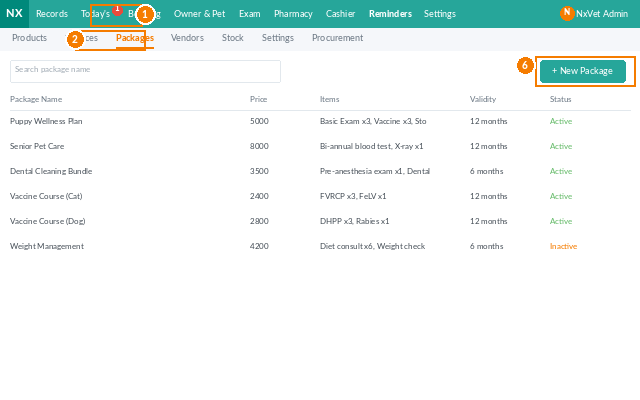


Service Packages: Bundled Care Plans & Wellness Programs
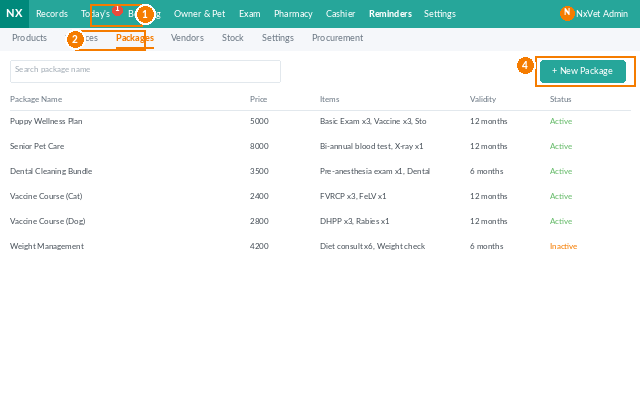
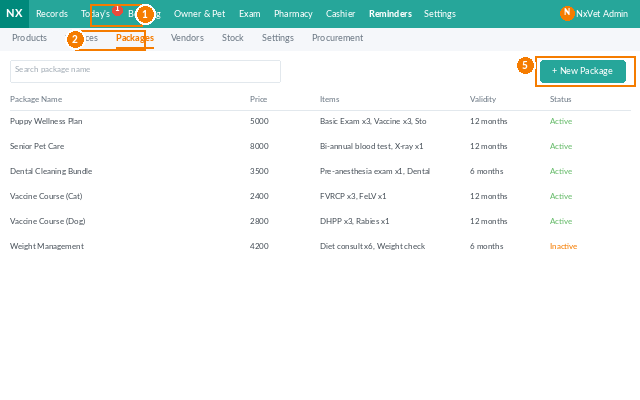
The Package page lets the clinic bundle multiple services and products into a single offering — puppy wellness, senior care plans, dental cleaning combos, or vaccine bundles — with a fixed price and built-in usage tracking. Owners pay once, redeem visit by visit, and the clinic locks in repeat revenue.
How to access
- From the main menu, click Inventory.
- Click the Package tab.
- Filter by category, validity period, or active/inactive status.
Creating a package
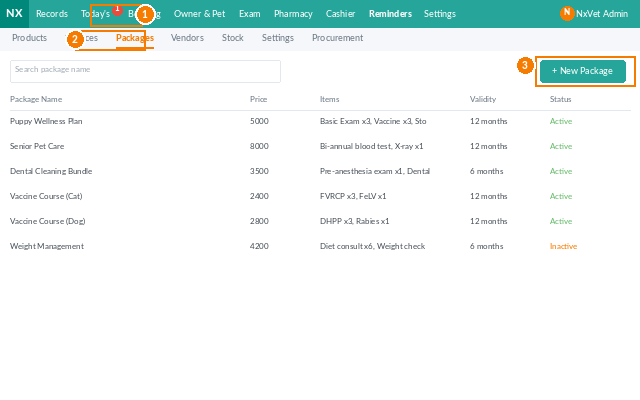
- Click + Add Package.
- Fill in:
- Package name — e.g., “Puppy Wellness Year 1”.
- Category — wellness, dental, vaccine, surgery prep, etc.
- Package price — what the owner pays.
- Validity — how long the package remains usable (e.g., 12 months from purchase).
- Add the Included items:
- Pick a service or product.
- Set the quantity the package includes (e.g., 3 vaccinations, 1 health check, 1 microchip).
- Repeat for every item in the bundle.
- Click Confirm. The package is now sellable.
Selling a package to an owner
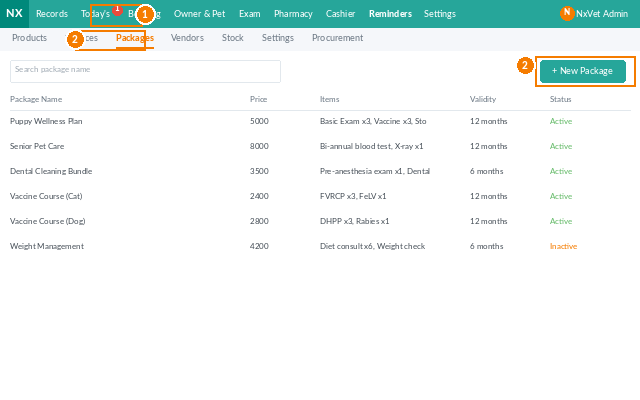
- From the owner profile or the cashier, click Sell Package.
- Pick the package and the pet it’s assigned to.
- Take payment via any method (cash, card, stored value).
- The package shows up in the pet’s record with each included item marked as unused.
Redeeming package items at a visit
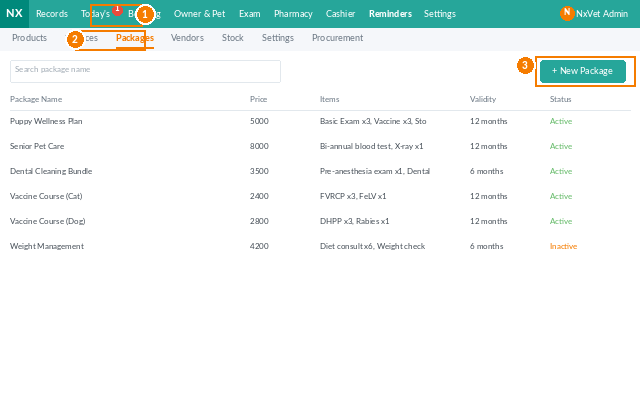
- During checkout, the system detects the pet has an active package.
- Eligible line items are automatically marked as Redeemed from package and zeroed out on the bill.
- Items not covered by the package are billed normally.
- Once a package item is consumed, the remaining quantity counter decreases.
Tracking package usage
Each owner profile shows active packages with remaining quantity and expiry date. Filter the Package tab by expiring soon to call owners with unused items before their package lapses.
Tip
Don’t make packages too restrictive. A puppy wellness bundle that ties owners to one specific brand of vaccine, one specific deworming product, and one specific food brand sounds neat in theory, but it backfires the first time a product is out of stock. Tag included items by category (“any core vaccine”, “any monthly preventive”) when possible.