

Staff Management: Accounts, Roles & Permissions
Staff Management is where the clinic creates user accounts, assigns roles, and controls which parts of NxVet each person can see and edit. Configure it properly and front-desk staff can’t accidentally void surgical records, while vets aren’t buried under admin screens they don’t need.
How to access
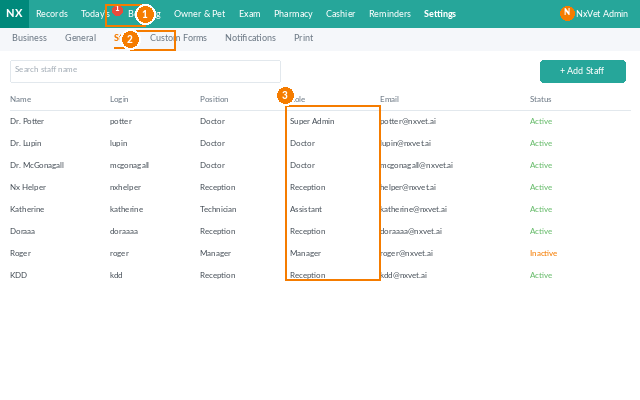
- From the main menu, click Settings.
- Click the Staff tab.
Adding a new staff member
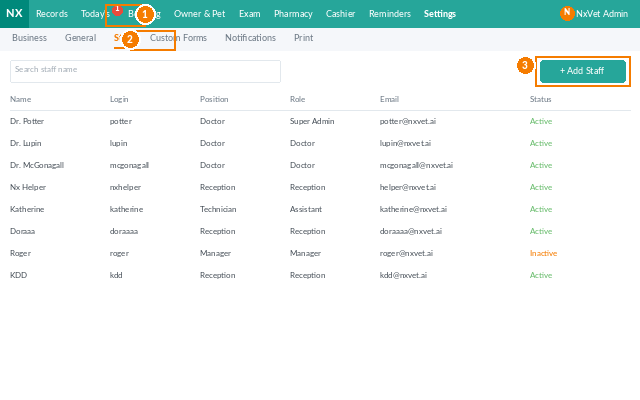
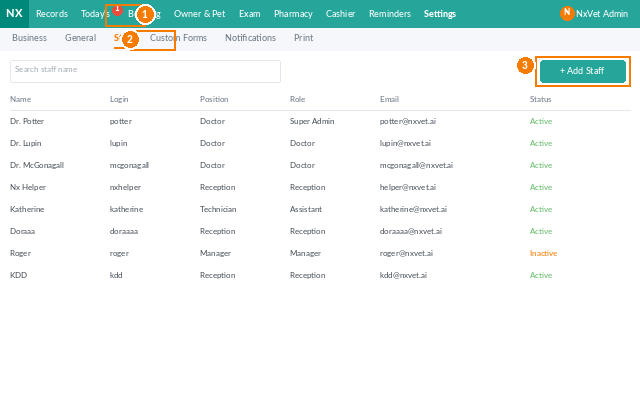
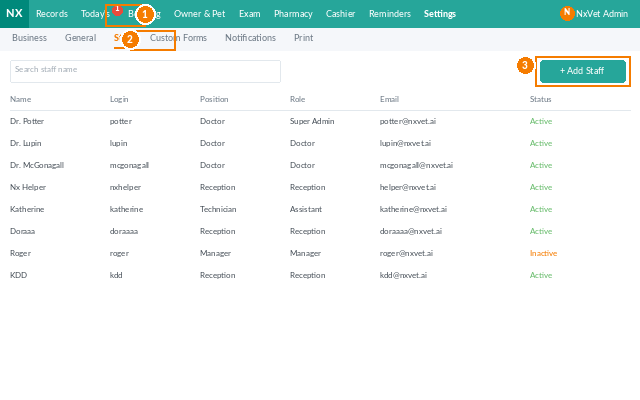
- Click + Add Staff.
- Fill in:
- Name, Phone, Email.
- Login username and temporary password — the staff member resets on first login.
- Role — vet, technician, receptionist, pharmacist, surgeon, admin, etc.
- Branch — assign to one or more branches.
- Display order — used by the calendar and the dropdown list when staff need to be picked.
- Optional: avatar photo, professional license number, hire date.
- Click Confirm.
Roles and permissions
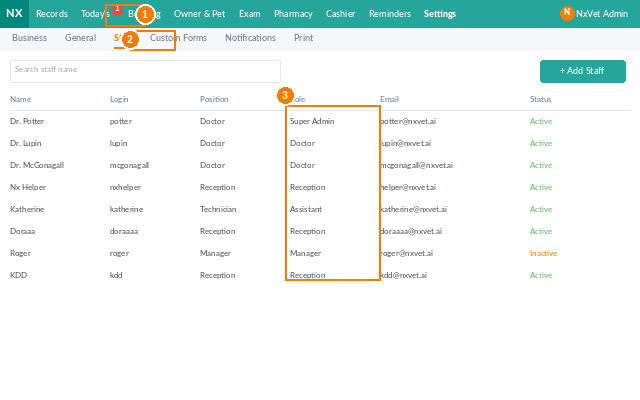
NxVet ships with these built-in roles, each with sensible defaults:
- Veterinarian — full access to medical records, prescriptions, surgeries; read-only access to billing.
- Technician — can edit examinations and basic measurements; read-only on diagnosis and prescriptions.
- Receptionist — appointments, registration, cashier, owner profiles.
- Pharmacist — pharmacy queue, controlled drug audit.
- Admin — full access including Settings, Performance Allocation rules, and integrations.
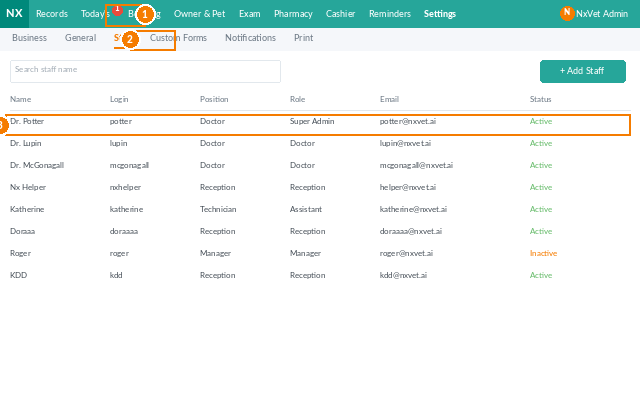
Click any role to fine-tune its permissions module-by-module.
Custom roles
- Click + Add Role.
- Name the role (e.g., Senior Surgeon).
- Toggle each module: View, Create, Edit, Delete.
- Click Confirm.
Deactivating a staff member
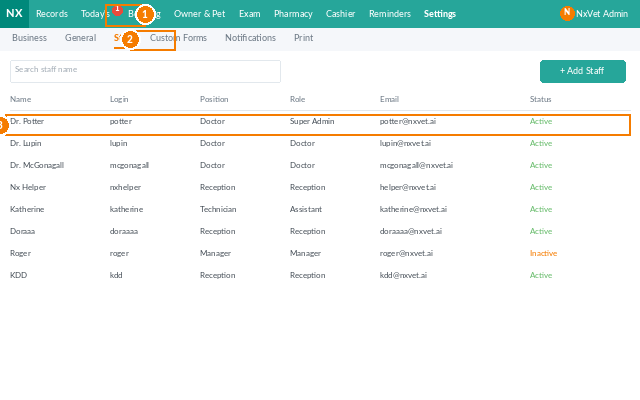
When someone leaves the clinic, use Set Inactive rather than delete. The login is disabled instantly, but the person’s historical records (consultations performed, prescriptions issued) stay intact for audit and reporting.
Tip
Audit the staff list quarterly. Former employees, locums, and trial accounts have a way of staying active long after they should be deactivated. Set a recurring task to spot-check — a 5-minute review can prevent a compliance issue.